
 Posted by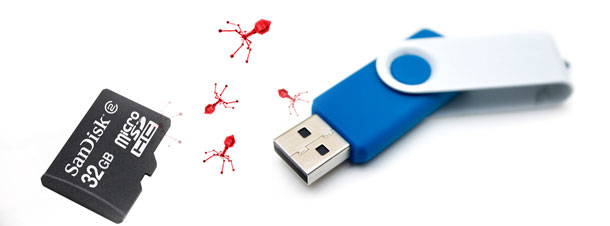
If your Pen Drive is infected with any
of the following viruses:
* Autorun.inf
* new folder.exe
* Iexplorer.vbs
* Bha.vbs
* nfo.exe
* New_Folder.exe
* ravmon.exe
* RVHost.exe or any other files with extension.
Actually this viruses are hidden and can’t be seen even after you enable show hidden folders. Following simple dos command will change the attributes of these files ,there after you can remove it by pressing delete key.
# Follow these steps:
Step1.:Type cmd in Run
Step2.: Switch to the drive on which
pen drive is connected
(like C:\> h: enter)
Step3.: type exactly as attrib -s -h
*.* /s /d and hit enter
(don’t forget spaces).
Now you can see hidden virus files
and you can delete them.
 Spyboy blog