

 Posted by
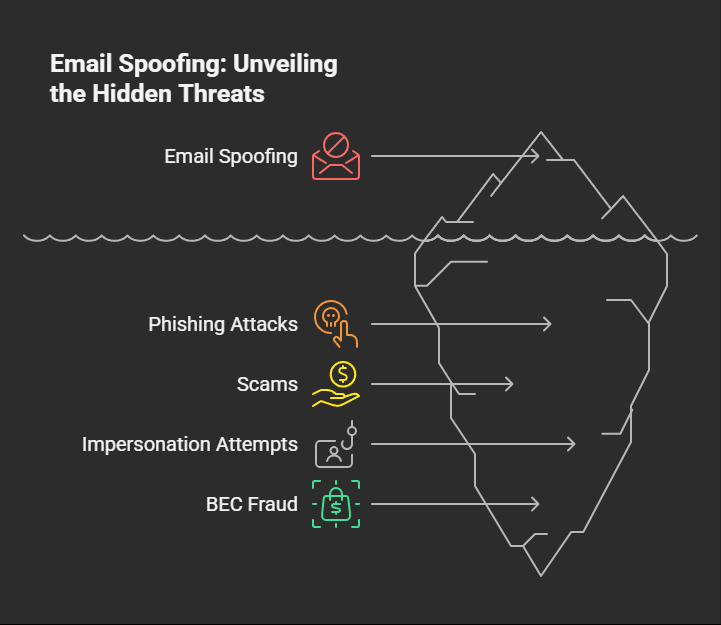
 Email is one of the most widely used forms of communication in the world—but it’s also one of the most abused. Every day, millions of fake, fraudulent, and malicious emails are sent with forged sender addresses. This tactic is known as email spoofing, and it’s a common trick used in phishing attacks, scams, impersonation attempts, and even business email compromise (BEC) fraud.
In this post, we’ll explore:
- What email spoofing is
- How hackers manage to send spoofed emails (the techniques they use)
- Real-world examples of spoofing attacks
- Most importantly: how you can protect yourself and your organization against spoofed emails
📧 What Is Email Spoofing?
Email spoofing is the forging of the “From” address in an email header so that the message appears to come from someone else.
For example:
- A scammer pretends to be
support@yourbank.comto trick you into clicking a malicious link. - An attacker impersonates your boss’s email to pressure an employee into wiring money.
- Hackers use fake government or corporate domains to push malware attachments.
Spoofing works because email protocols—specifically SMTP (Simple Mail Transfer Protocol)—were designed decades ago with no built-in authentication. That means, unless extra security measures are in place, it’s relatively easy to fake the “From” field.
🎭 How Hackers Send Spoofed Emails
Attackers use several techniques to make spoofed emails look convincing. Here are the main methods:
1. Exploiting SMTP Protocol Weaknesses
SMTP, the backbone of email delivery, does not verify whether the sender address is legitimate. Hackers can connect to a mail server and manually set:
MAIL FROM:→ any email address they wantRCPT TO:→ the victim’s address
This makes the email look like it came from a trusted domain. Without email authentication (SPF, DKIM, DMARC), the recipient’s mail server has no way of knowing the sender is fake.
2. Using Open Relays or Misconfigured Mail Servers
Some mail servers are poorly configured and act as open relays, meaning they will forward emails from anyone to anyone. Hackers abuse these to send spoofed messages anonymously.
This technique hides the attacker’s true IP and makes it harder to trace the source.
3. Compromised Email Accounts
Instead of spoofing, attackers sometimes steal real email credentials through phishing or malware. Once inside, they send messages directly from the legitimate account.
This is even more dangerous because:
- The email is real (not forged)
- It bypasses SPF/DKIM checks
- Victims are more likely to trust the sender
4. Using Disposable Mail Services or Custom Scripts
Hackers often write scripts (Python, PHP, Node.js, etc.) or use shady bulk-emailing services to craft and send spoofed emails. These tools let them:
- Define fake sender addresses
- Insert custom headers
- Send from rotating IP addresses to avoid detection
Some services even advertise “anonymous email sending” as a feature.
5. Domain Impersonation (Lookalike Domains)
Instead of spoofing the exact domain, hackers register lookalike domains that visually resemble legitimate ones.
Examples:
micros0ft.com(using zero instead of “o”)yourbank-secure.cominstead ofyourbank.com- Homograph attacks using non-English characters (e.g.,
аррӏе.cominstead ofapple.com)
These bypass strict authentication while still tricking users.
6. Compromised Email Gateways
In advanced attacks, cybercriminals may infiltrate corporate email gateways and inject spoofed messages directly into the trusted network. This makes the spoofed emails appear completely legitimate.
⚠️ Real-World Examples of Email Spoofing
- CEO Fraud (Business Email Compromise)
Hackers impersonate executives to trick employees into transferring large sums of money. - Phishing Campaigns
Spoofed bank or service provider emails trick users into entering credentials on fake login pages. - Malware Distribution
Fake emails with malicious attachments appear to come from trusted senders, leading to ransomware infections.
🔒 How to Protect Against Email Spoofing
While attackers have many tricks, organizations and individuals can significantly reduce risk with the right protections:
✅ 1. Implement Email Authentication
- SPF (Sender Policy Framework): Defines which mail servers are allowed to send emails for your domain.
- DKIM (DomainKeys Identified Mail): Uses cryptographic signatures to prove an email hasn’t been altered.
- DMARC (Domain-based Message Authentication, Reporting, and Conformance): Tells receiving servers what to do if SPF/DKIM checks fail (reject, quarantine, or allow).
When all three are properly configured, it becomes very hard for attackers to spoof your domain successfully.
✅ 2. Train Employees Against Phishing
Many spoofing attacks rely on social engineering. Regular security awareness training helps staff:
- Spot suspicious email addresses and domains
- Identify urgent requests for money or data
- Report potential phishing attempts
✅ 3. Use Advanced Email Security Gateways
Security solutions like Microsoft Defender for Office 365, Proofpoint, Barracuda, or Mimecast scan inbound emails for spoofing attempts, malware, and phishing content.
✅ 4. Monitor and Analyze Email Logs
Regularly check mail logs and DMARC reports to detect unauthorized use of your domain. Early detection can prevent damage.
✅ 5. Encourage Multi-Factor Authentication (MFA)
If attackers try to compromise real accounts for spoofing, MFA adds an extra layer of defense.
✅ 6. Be Cautious with Sensitive Transactions
- Always verify unusual requests via a secondary channel (e.g., phone call to the requester).
- Don’t rely solely on email for money transfers or password resets.
📝 Final Thoughts
Email spoofing is one of the oldest yet most effective tricks in the hacker’s playbook. From phishing scams to corporate fraud, spoofed emails exploit a fundamental weakness in the way email was designed decades ago.
While attackers can send spoofed emails anonymously or impersonate real domains, the good news is: modern security measures like SPF, DKIM, and DMARC make it far harder for them to succeed.
At the end of the day, security is a shared responsibility:
- Organizations must implement proper email authentication.
- Users must stay vigilant and skeptical of unexpected requests.
By combining technical defenses with human awareness, we can minimize the threat of spoofed emails and make inboxes a safer place.
 Spyboy blog