

 Posted by
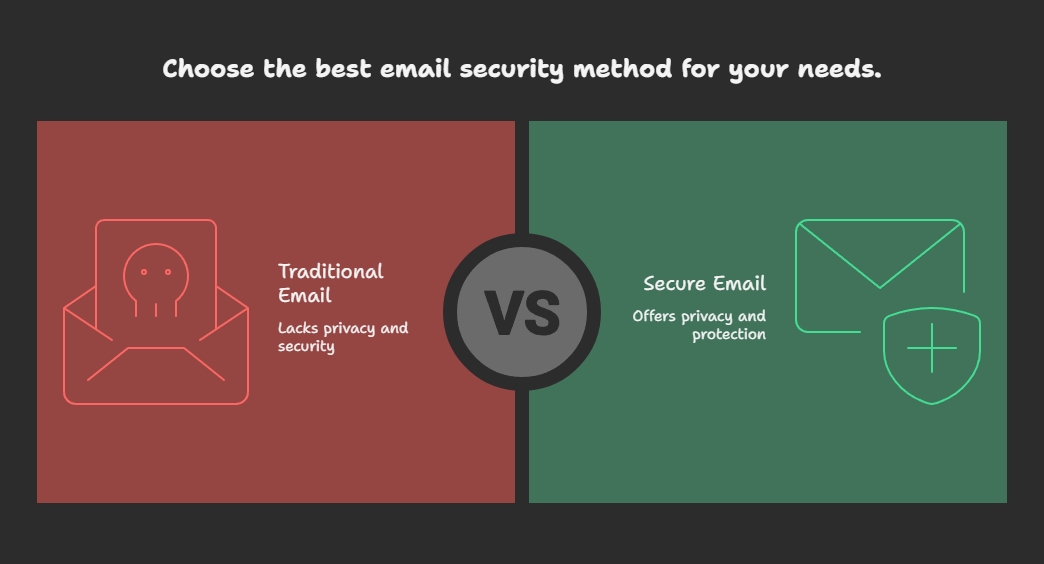
 Email is one of the oldest forms of digital communication, but also one of the least private by default. Once an email is sent, it usually sits forever in the recipient’s inbox (and on the provider’s servers). For sensitive data like confidential files, personal notes, or one-time passwords, this can be risky.
Luckily, there are techniques and tools that let you send self-destructing messages, password-protected emails, and even anonymous emails. In this guide, we’ll cover them all.
📩 1. What Are Self-Destruct Emails?
Self-destruct emails are messages that automatically delete themselves after being read or after a set time. This ensures that no copy remains in the recipient’s inbox.
🔑 Use Case Examples:
- Sending private credentials
- Sharing temporary business data
- One-time secret messages
🛠️ 2. Tools to Send Self-Destruct Emails
Here are some trusted platforms that let you send disappearing messages:
- ProtonMail (Secure & Encrypted)
- Website: https://proton.me/mail
- Feature: Has a “Expiration Time” option where emails disappear after a chosen duration.
- Tutanota
- Website: https://tutanota.com
- Offers end-to-end encryption and the ability to send temporary password-protected links.
- Privnote (Quick & Simple)
- Website: https://privnote.com
- Write a note → share the generated link → once opened, it self-destructs.
🔑 3. Sending Password-Protected Emails
Sometimes, you don’t want self-destruction but you still want extra security. This is where password-protected emails come in.
Methods to Send Password-Protected Emails
- ProtonMail / Tutanota
- They allow you to send encrypted, password-protected emails to non-users.
- Recipient gets a secure link, enters the password, and reads the message.
- Using Gmail + Password-Protected Attachments
- Gmail itself doesn’t allow password-protected emails.
- Instead:
- Zip your file with a password (using 7-Zip or WinRAR).
- Send the file.
- Share the password separately (SMS/Signal/Call).
zip -e secret.zip confidential.pdf(It will prompt for a password.) - FlowCrypt for Gmail/Outlook
- Website: https://flowcrypt.com
- Adds PGP encryption to Gmail and Outlook.
- Emails can be protected with encryption keys.
🕵️ 4. Bonus: Send Anonymous Emails
Want to hide your identity while emailing? Hackers and security researchers often use this trick.
- Guerrilla Mail → https://www.guerrillamail.com
- AnonEmail by Anonymouse → http://anonymouse.org/anonemail.html
- ProtonMail (with Tor) → Create a ProtonMail account without personal info, access via Tor.
⚠️ Note: Use anonymity responsibly — for privacy, not abuse.
⚡ 5. Best Practices for Secure Emailing
- Never send sensitive data unencrypted.
- Use 2FA (Two-Factor Authentication) on your email accounts.
- Use different channels for passwords (e.g., send file in email, password via Signal).
- Prefer providers with end-to-end encryption (ProtonMail, Tutanota, StartMail).
- Don’t rely only on “Confidential Mode” in Gmail — it’s not true end-to-end encryption.
📌 Conclusion
Traditional email is inherently insecure. If you’re sharing private information, you should either:
- Use a self-destructing email for one-time info.
- Use a password-protected email for long-term safety.
- Use an anonymous or encrypted provider if you want identity protection.
🔒 In the digital age, privacy is not automatic — you have to design it yourself.
 Spyboy blog