

 Posted by
 The Dark Net (or Dark Web) is often misunderstood. While it’s true that it has been linked with illegal marketplaces, the same technology also empowers journalists, whistleblowers, activists, and privacy-conscious individuals to share information securely without fear of censorship or surveillance.
One of the best ways to maintain anonymity online is by hosting an .onion website using Tor Hidden Services. These websites are not accessible from regular browsers — you need the Tor Browser to access them.
In this post, we’ll explore step-by-step how to create an anonymous website on the Dark Net, the tools you need, and some important safety tips.
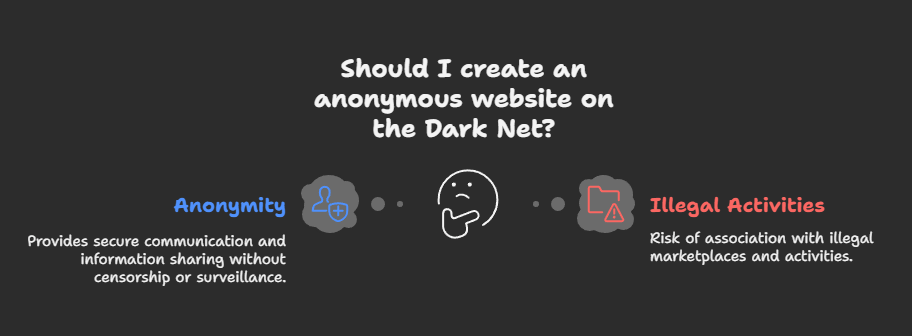
🔑 Why Create a Dark Net Website?
- Freedom of Speech – Share content without censorship.
- Whistleblowing & Journalism – Platforms like SecureDrop run on the Dark Net.
- Privacy – Keep your hosting and identity hidden.
- Bypass Surveillance – Useful in countries with strict internet censorship.
🛠️ Step 1: Install Tor
First, you need Tor, which allows you to create a hidden service.
On Linux (Debian/Ubuntu):
sudo apt update
sudo apt install tor
On Windows / macOS:
- Download from the official site: https://www.torproject.org
- Install and ensure the Tor service/daemon is running.
🛠️ Step 2: Install a Web Server
Your Dark Net website still needs a web server, just like normal websites. The most common choice is Apache or Nginx.
On Linux:
sudo apt install apache2
or
sudo apt install nginx
After installation, check by visiting:
http://localhost
🛠️ Step 3: Configure Tor Hidden Service
Now, you’ll make your server accessible as an .onion site.
- Open the Tor configuration file:
sudo nano /etc/tor/torrc - Add the following lines at the bottom:
HiddenServiceDir /var/lib/tor/hidden_service/ HiddenServicePort 80 127.0.0.1:80HiddenServiceDir→ where Tor stores your onion service keys.HiddenServicePort→ maps onion address to your local web server.
- Restart Tor:
sudo systemctl restart tor
🛠️ Step 4: Get Your Onion Address
After restarting Tor, your onion domain is automatically generated.
Check it:
sudo cat /var/lib/tor/hidden_service/hostname
You’ll see something like:
abc123xyz456.onion
This is your Dark Net domain. 🎉
🛠️ Step 5: Secure Your Website
Even though Tor hides your server’s location, you still need to secure it:
- Use HTTPS (even on .onion) → with free certificates from Let’s Encrypt.
- Disable logging → avoid storing IPs or server logs.
- Harden your server → use firewalls and strong permissions.
- Don’t reuse domains or hosting accounts → stay isolated.
🛠️ Optional Tools
- Whonix → An anonymity-focused OS to manage hidden services safely.
- Tails OS → A live OS that routes all traffic through Tor.
- OnionShare → Share files anonymously over Tor.
🚨 Safety Tips
- Never host a hidden service from your personal machine. Use a dedicated VPS or server.
- Always keep your real identity separate. Don’t mix emails, domains, or personal data.
- Remember: Anonymity ≠ Security. A badly configured server can still be hacked.
✅ Conclusion
Creating an anonymous Dark Net website is not as difficult as it seems — in fact, it’s just like setting up a normal site, except that it runs through Tor Hidden Services.
While the Dark Net often has a bad reputation, it’s also a crucial tool for privacy, free speech, and digital resistance. If you follow the steps above, you can create your own .onion site and explore the true power of anonymous publishing.
 Spyboy blog