
Web Cache Deception: How Hackers Can Trick a Website Into Caching Your Private Data
You log into a website. You open your profile. You see your email address, phone number, billing information, private messages,
Think Like an Attacker. Secure Like a Pro. Where Curiosity Meets Cybersecurity. Ethical hacking, OSINT, bug bounty, and cybersecurity guides built on real-world experience.
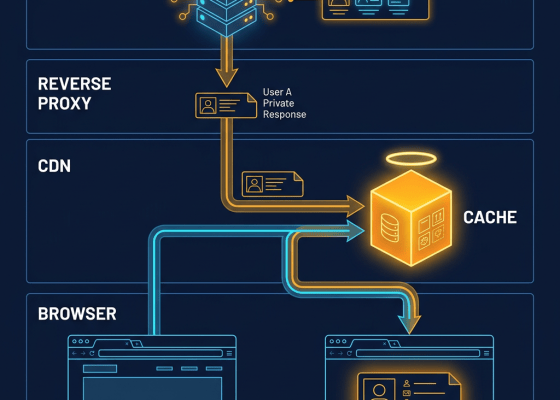
You log into a website. You open your profile. You see your email address, phone number, billing information, private messages,

Your smart TV can collect viewing and device data that may be used for analytics, personalization and advertising. Learn what smart TVs and streaming devices can potentially collect, how automatic content recognition works, what your TV can reveal about your habits, and how to improve smart TV privacy.

QR codes are everywhere, but scammers can use fake QR codes to redirect you to phishing pages, fake payment screens, malicious apps and fraudulent websites. Learn how QR code scams work, how to spot quishing, what happens after you scan a malicious QR code, and how to stay safe.
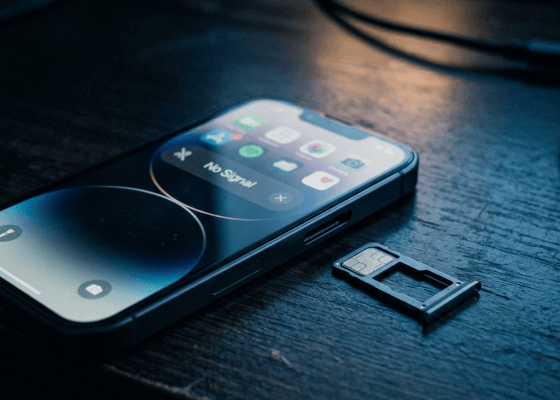
A stolen phone number can become a serious security problem. Learn how SIM swap fraud, eSIM abuse, OTP scams, caller ID manipulation and social engineering can put your accounts at risk, how to recognize a SIM-swap attack, and what to do immediately.

A USB drive can be much more dangerous than it looks. Learn how malicious USB devices, infected flash drives, BadUSB attacks, fake USB drives, data theft, HID attacks and charging attacks work, and what you should do to safely use USB devices.
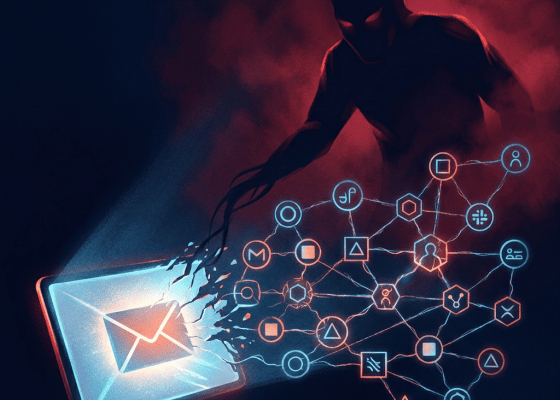
Your email account may be the recovery key for your entire digital life. Learn how attackers take over email accounts, steal sessions, reset passwords, create forwarding rules, intercept recovery messages, and use one compromised inbox to attack your banking, social media and other accounts.
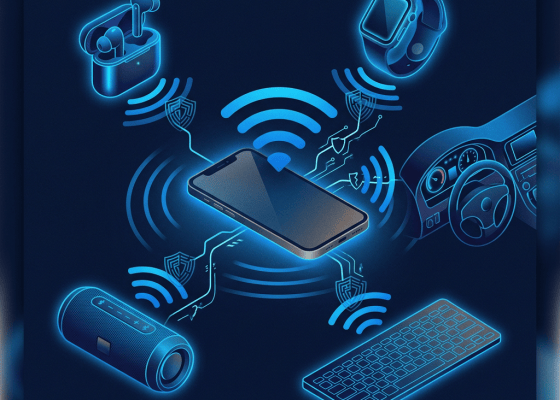
Bluetooth is everywhere, but how dangerous is it really? Learn about Bluetooth attacks, pairing scams, tracking risks, malicious devices, BlueBorne-style vulnerabilities, fake accessories, Bluetooth tracking, and the settings you should change to secure your phone, laptop and car.

Your phone may know where you live, work, shop, travel and spend your time. Learn how location history, app permissions, GPS, Wi-Fi, Bluetooth and advertising data can reveal your routines, how location tracking works, what companies can learn, and how to reduce your location footprint.
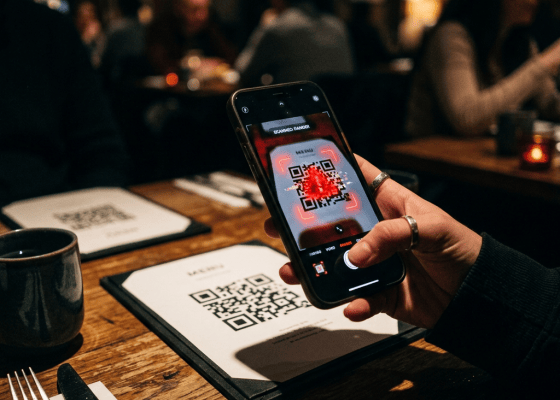
QR codes are everywhere, but attackers can replace or weaponize them to send you to fake payment pages, phishing websites and malware. Learn how QR code scams work, where you’re most likely to encounter them, how to spot fake QR codes, and how to stay safe.
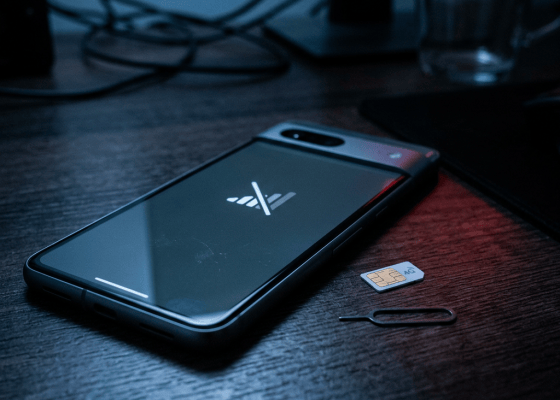
A stolen phone number can become a gateway to your email, banking, social media and cryptocurrency accounts. Learn how SIM swapping, eSIM fraud, number porting and SMS interception work, the warning signs, what to do if your number suddenly stops working, and how to protect yourself.
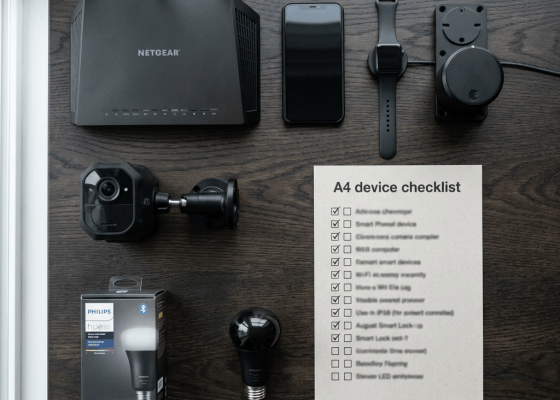
Smart TVs, watches, speakers, fitness trackers, printers and other IoT devices can collect surprisingly personal information. Learn what your smart devices know, where the data goes, what hackers can access, and how to secure your connected home.

Deleting a photo, file, message, or document doesn’t always mean it’s immediately gone. Learn how deleted data can remain in trash folders, cloud backups, app databases, thumbnails, caches and backups, what “permanently deleted” actually means, and how to securely erase sensitive data.
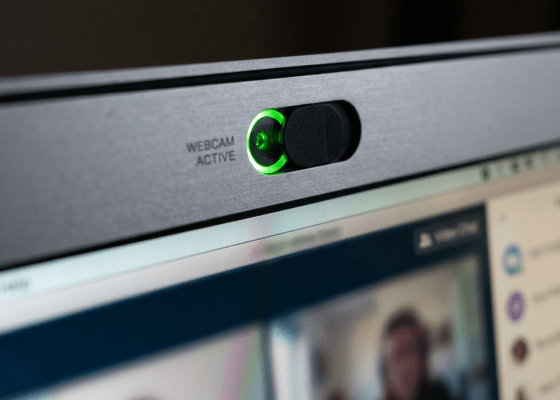
Can hackers secretly access your webcam or microphone? Learn how webcam spying works, how malicious apps and browser permissions expose your camera and mic, warning signs of surveillance, how to check Windows, Android, iPhone and browser permissions, and how to protect yourself.
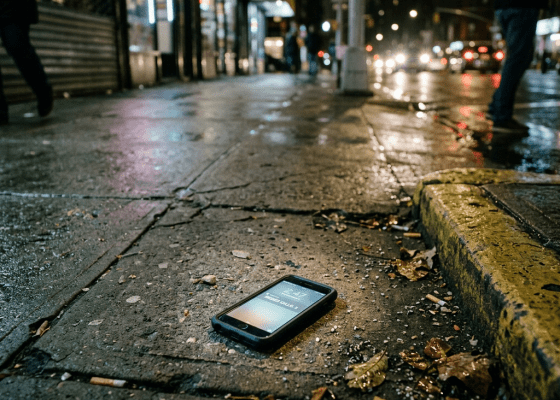
What happens after someone steals your phone? Learn what thieves can access, how stolen phones are abused for banking and account takeovers, what to do in the first 10 minutes, how to remotely lock or erase your device, protect UPI and banking apps, secure your SIM, and prevent phone theft from becoming an identity theft disaster.
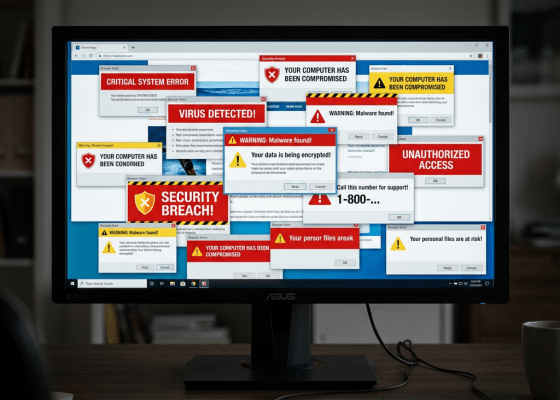
Fake browser notifications can make your computer look infected, display fake virus warnings, impersonate Microsoft or antivirus companies, and trick you into installing malware or calling scammers. Learn how browser notification scams work and how to remove them.
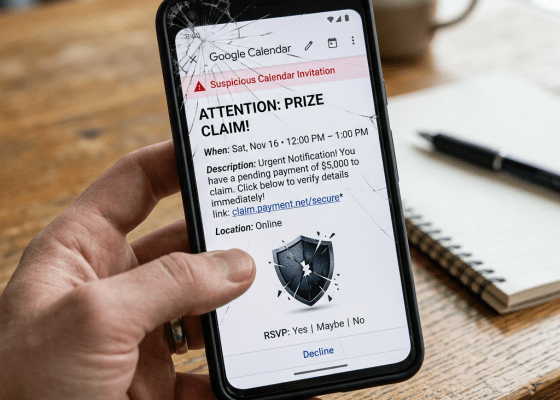
You probably don’t think of your calendar as a cybersecurity tool. You think of it as a place for: Meetings

Modern connected cars can collect location, driving behavior, phone data, vehicle diagnostics and more. Learn what your car knows about you, who can access the data, how car apps can expose your location, and how to protect your privacy.
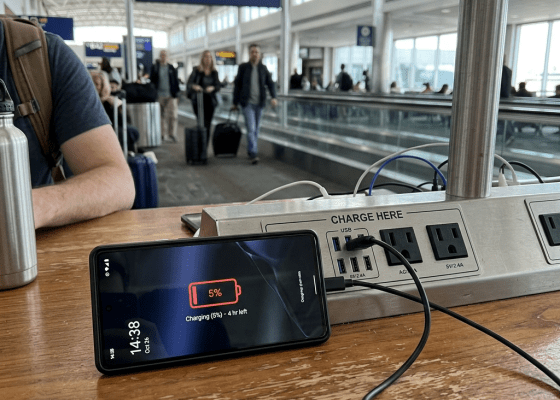
Public USB charging stations may expose your phone to data theft and malicious connections. Learn what juice jacking is, how malicious charging attacks work, whether someone can hack your phone through a USB cable, warning signs, and how to safely charge your phone in airports, hotels, cafés and public places.

Password managers protect hundreds of passwords, but what happens if your password manager account is compromised? Learn how password managers work, what attackers target, vault security, master passwords, passkeys, MFA, recovery codes, and how to protect your digital vault.

Your router connects every device in your home to the internet. Learn how hackers compromise Wi-Fi routers, exploit outdated firmware, steal DNS traffic, abuse default passwords, hijack settings, and potentially attack devices on your network.

Your old phone number can be reassigned to someone else. If you forget to remove it from Google, WhatsApp, banking, social media and other accounts, the new owner may receive OTPs, recovery codes and private messages. Learn how recycled phone numbers can cause account takeovers and how to protect yourself.

AI agents can browse websites, read files, run commands and perform tasks automatically. But what happens when an AI agent is tricked, compromised or given too many permissions? Learn about AI agent security, prompt injection, data theft and how to safely use autonomous AI.

AI deepfakes can now imitate faces, voices and even live video calls. Learn how real-time deepfake scams work, warning signs, how to verify someone’s identity and how to protect yourself from AI impersonation.
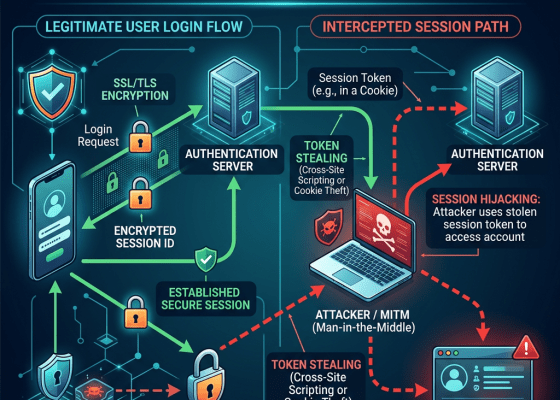
Hackers don’t always need your password to access your account. Learn how session cookie theft works, how infostealers steal browser cookies, why MFA may not stop session hijacking, warning signs, and how to protect your accounts.

Your Computer Could Be Giving Your Passwords to Hackers Without You Knowing Imagine waking up tomorrow and discovering that someone

Introduction Most people believe privacy is something only hackers worry about. It isn’t. Privacy is about control. Control over: Who

It Started With One Google Search… One evening I asked myself a simple question. “If a complete stranger Googled me
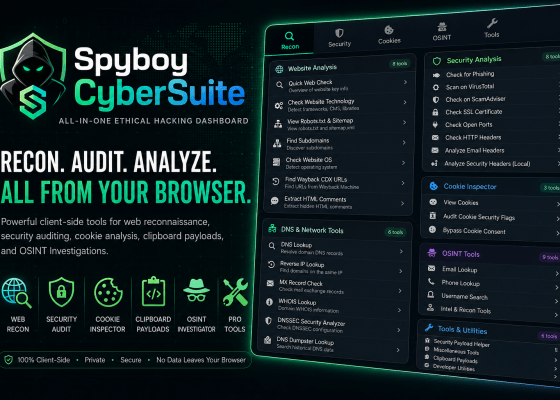
Security testing often means jumping between a dozen different tools, websites, browser tabs, and terminal windows. You might need one

You Pressed Delete… And instantly felt relieved. The photo disappeared. The message vanished. The email was gone. The file left

It’s Just a Watch… Or is it? Most people buy a smartwatch to: Count steps. Read notifications. Track workouts. Pay

It’s Not Just a Car Anymore Twenty years ago… A car was mostly mechanical. Engine. Steering. Brakes. Fuel. Today… Your

It’s Just a TV… Or is it? You bought it to watch movies. Netflix. YouTube. Disney+. Prime Video. Football. News.

Think nobody can learn much from your email address? Think again. Discover how your digital footprint is built from public

You finish writing an important document. A resume. A business proposal. A legal contract. A research paper. An invoice. A

When people think about privacy… They worry about: Google. Facebook. TikTok. Hackers. But almost nobody thinks about the small plastic

You clear your browser history. You delete every cookie. You browse in Incognito Mode. You install an ad blocker. You
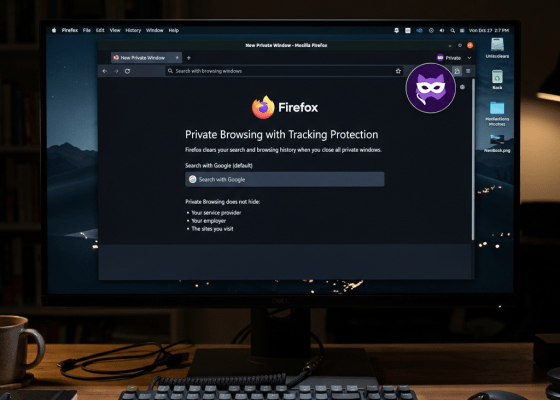
You open Chrome. Click the three dots. Select: New Incognito Window The screen turns dark. You see the Incognito icon.

You send a WhatsApp message. A few seconds later, you regret it. You tap: Delete → Delete for Everyone. The

Your phone is taken. It’s locked. You haven’t given anyone your PIN. So everything inside must be safe, right? Not

Your phone is probably the most personal object you own. Think about that for a moment. Your wallet contains your

Think you have nothing to hide? Open your Google account for the next five minutes. Not Gmail. Your entire Google

Telegram has earned a reputation for being one of the most secure messaging apps in the world. Its encryption. Its

Think about everything connected to your Google Account. Not just Gmail. Everything. Your photos. Your contacts. Your Android phone. Your

You wake up one morning and receive an email from LinkedIn. Your password has been changed. Except… You never changed
