
“Windows Protected Your PC”: Why Your App Gets Blocked and How Code Signing Fixes It
You finish your app, build the installer, send it to a friend, and they message back: “Windows says it’s unsafe.”
Think Like an Attacker. Secure Like a Pro. Where Curiosity Meets Cybersecurity. Ethical hacking, OSINT, bug bounty, and cybersecurity guides built on real-world experience.
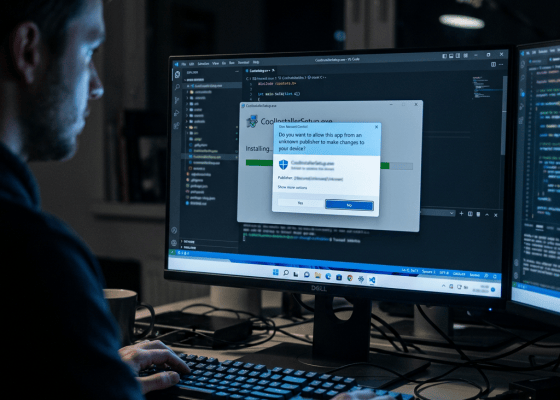
You finish your app, build the installer, send it to a friend, and they message back: “Windows says it’s unsafe.”

What if an attacker didn’t need to install a hacking tool? What if Windows already had everything they needed? No

qPowerShell is one of the most powerful tools built into Windows. It can: Manage files Query Windows Automate administration Control
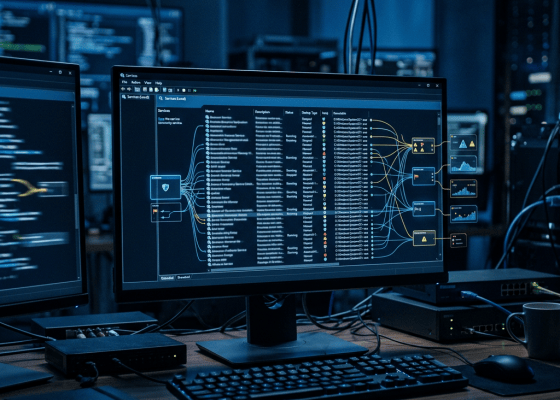
Your Windows computer is running things you never opened. You don’t see them in the taskbar. You didn’t click them.
Your Windows computer can run programs without you opening them. No double-click. No visible application window. No reminder. No obvious

Your Windows PC is constantly running dozens — sometimes hundreds — of processes. One program needs to talk to another.
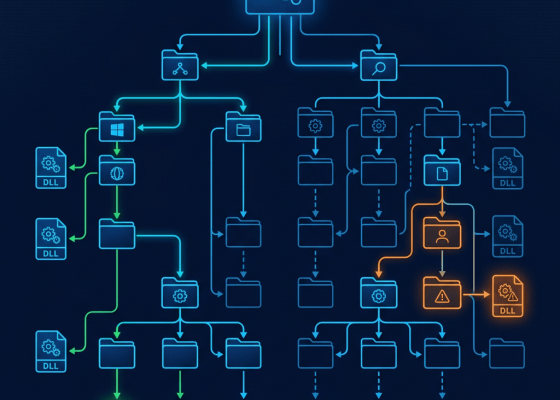
You click an application. It launches normally. You see the familiar interface. But behind the scenes, Windows may be searching
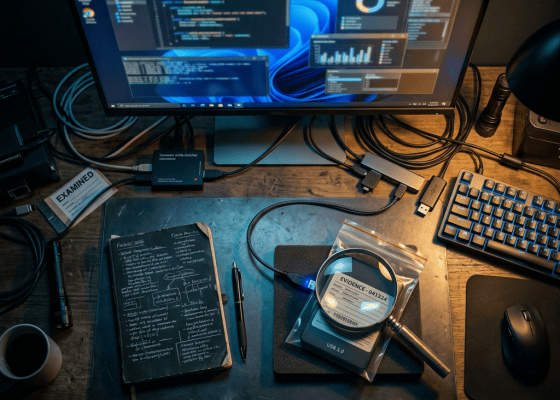
What if I told you that a file can contain more data than Windows Explorer shows you? You create: Windows
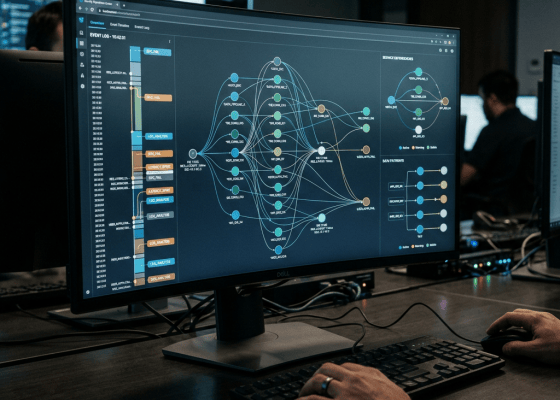
There is a powerful Windows component hiding inside almost every modern Windows installation. Most ordinary users never interact with it
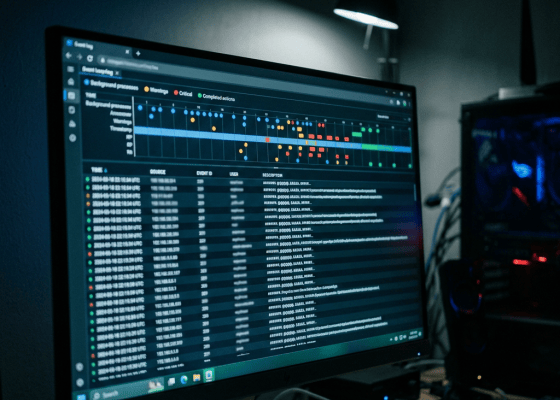
Your Windows PC is constantly recording what happens on it. Someone logs in. A program crashes. A service starts. A

Windows looks simple. You click an application. You open a folder. You browse the web. You shut down the PC.
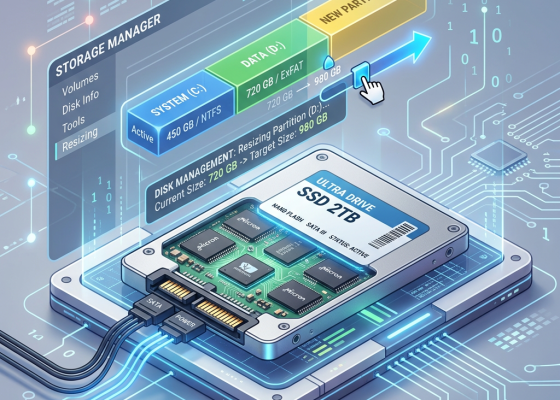
If you’ve ever seen the dreaded “Low Disk Space” warning on your Windows PC, you’re not alone. Recently, my C:

Imagine discovering a secret key that opens millions of doors. Not one door. Not one building. Millions. Now imagine keeping
Imagine turning on your computer and hearing: “Welcome back, Sir. Ready to get things done today?” Sounds cool, right? You
Imagine turning on your computer and instead of the same boring wallpaper… 👉 You get a fresh motivational quote every
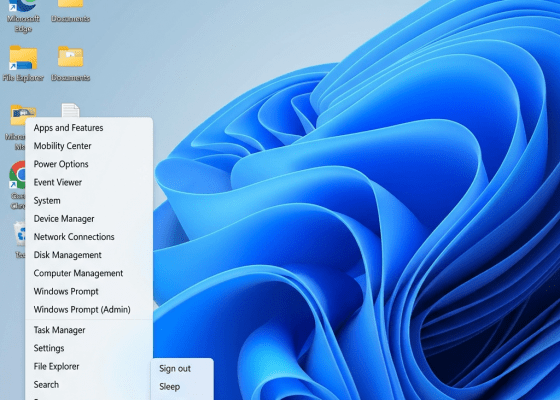
Tired of clicking through the Start menu just to shut down or restart? You can add Shutdown and Restart directly
Most people think a slow startup is just “how their PC is.”It’s not. A slow boot is usually the result
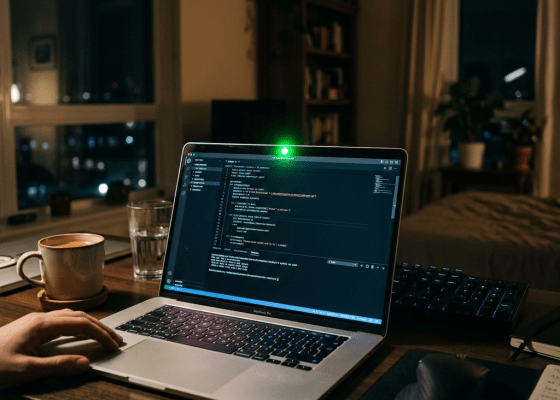
Short answer: Yes — but not magically. Attackers can only access your webcam/microphone if they’ve already: Installed malware on your
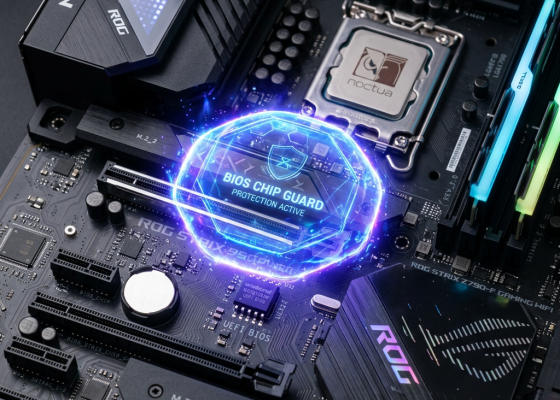
Most people think their PC is secure because they have: A Windows login password Maybe even a PIN or fingerprint
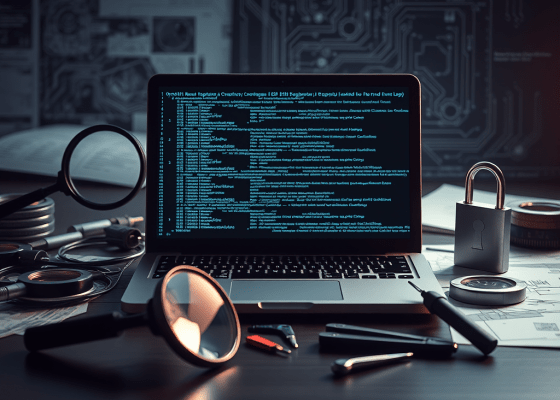
(And what developers can do to stop them) Important note for readers:This article explains reverse engineering at a high, educational

If you think deleting a file or clearing your browser history makes it disappear forever, think again. Every digital action

Introduction Picture this: you’re working on an important presentation for tomorrow, and you accidentally hit Shift + Delete on the

Have you ever wanted to create a fake file for testing, demonstration, or trick purposes without downloading any software?Windows comes

Ever thought of adding a little personal touch to your Windows computer? Imagine turning on your PC and being greeted
Forgetting your Windows password can feel like being locked out of your own house. Luckily, there are legitimate ways to
Few things are more frustrating than plugging in your memory card, USB drive, or external hard drive and realizing it’s

Many users faced a strange issue where their PC’s storage mysteriously filled up, and performance slowed down drastically. One common

Table of Contents Prerequisites Creating a Bootable USB Drive 2.1 Using Command Line (CMD/DiskPart on Windows) 2.2 Using dd Command
Windows Run commands provide a quick and efficient way to access system settings, applications, and utilities. Instead of navigating through

Creating a .scr file, which is a screensaver file for Windows, is straightforward. Screensavers are essentially executable files (.exe) renamed

The Windows Command Prompt (CMD) is a powerful tool that allows users to control and troubleshoot their system using text-based
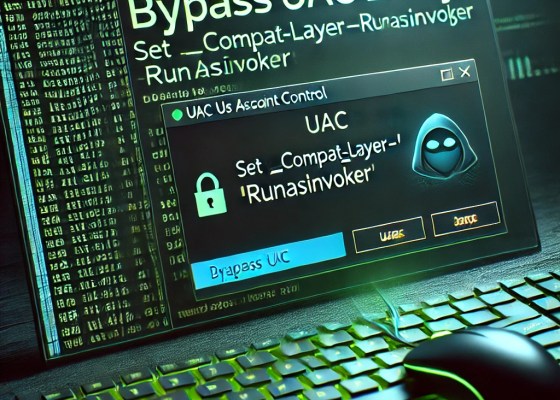
UAC (User Account Control) is a security feature in Windows designed to prevent unauthorized changes to the system. It prompts
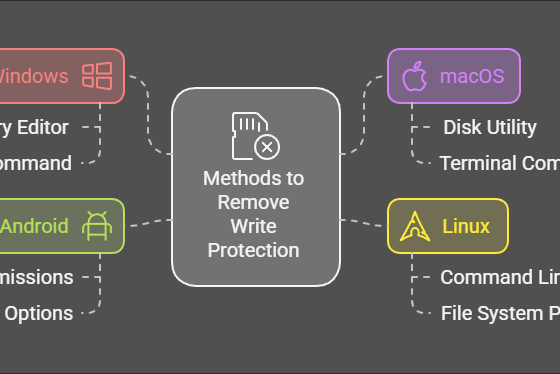
Write protection on USB drives or SD cards prevents users from modifying or deleting the stored data. While this feature

Windows 11 brings a modern interface and enhanced features, but as with any operating system, performance optimization can make a

Windows users often find themselves faced with multiple terminal options, each with its unique features, use cases, and capabilities. These
Microsoft-Activation-Scripts (MAS) is a popular tool available on GitHub that allows users to activate Microsoft Windows and Office products efficiently.

Windows 11 Home is the default edition for most users, designed to provide essential features and functionality for everyday computing.

Publishing an app on the Microsoft Store can be a rewarding experience, whether you’re a student looking to showcase your
Windows 11’s latest update (version 24H2) has introduced the “sudo” command, inspired by UNIX-based systems. This feature streamlines running elevated
When you delete a file on your computer, whether through the Recycle Bin on Windows or rm on Linux, the

Creating a personalized startup greeting for your PC can add a fun and custom touch to your daily routine. By

Your Windows startup experience sets the stage for your entire computing session. Imagine if you could tailor this experience to

VBScript, or Visual Basic Scripting, is a versatile scripting language that can be used to automate tasks, tweak system settings,

Registry Editor (.reg) files are powerful tools for modifying Windows settings and adding customizations to the operating system. In this
